
SnapMind Training
Coaching that keeps going between sessions.
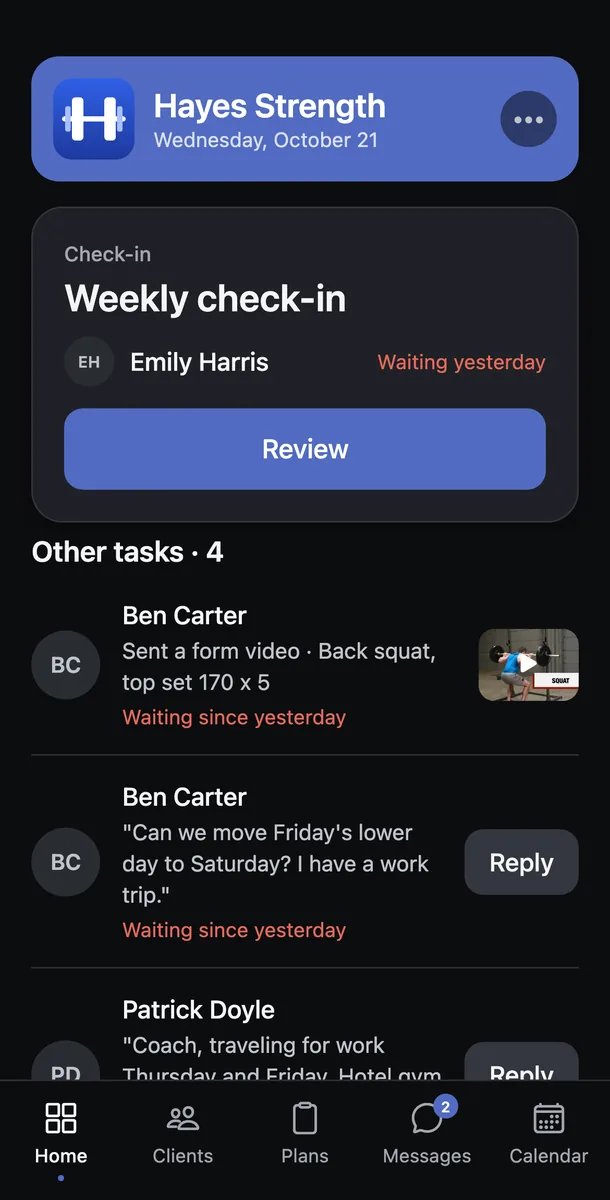
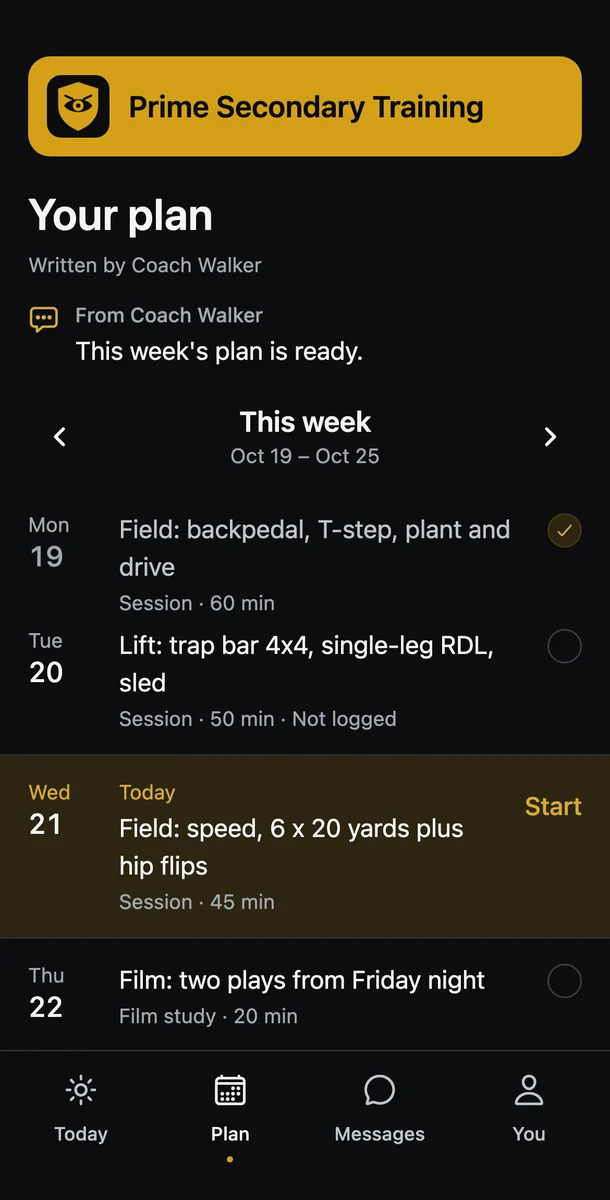
Clients get a plan for every week and a coach who sees how each session went. Trainers get an app with their own name and logo on it, where every check-in and form video lands.
Training with a coach? Get the app, free on iPhone and Android.
Coach your own clients? Founding Trainers get their first three months free until November 15.
A new personal best
Devin ran his fastest 20-yard split on the speed day his coach planned, and his coach had watched the video before lunch.
Every client already checked in
Eighteen check-ins arrived overnight in an app that carries the trainer's own name.
A coach changes the plan
When your week changes, you hear what moved and why.
- MonStrength ADone
- TueMobility and a focus blockDone
- WedRecovery reset, 10 minSlept 4 hours
- ThuRestLift moved to Friday
- FriStrength BNew squat PR target
- SatConditioning, 30 min
- SunWeekly check-inWith your coach
CoachYou logged 4 hours of sleep on Wednesday, so I moved Thursday's lift to Friday. Nothing else moved.
YouThanks. Should I still do the reset tonight?
CoachYes, 10 minutes. Send me your top set on Friday.
An example week
Log your training
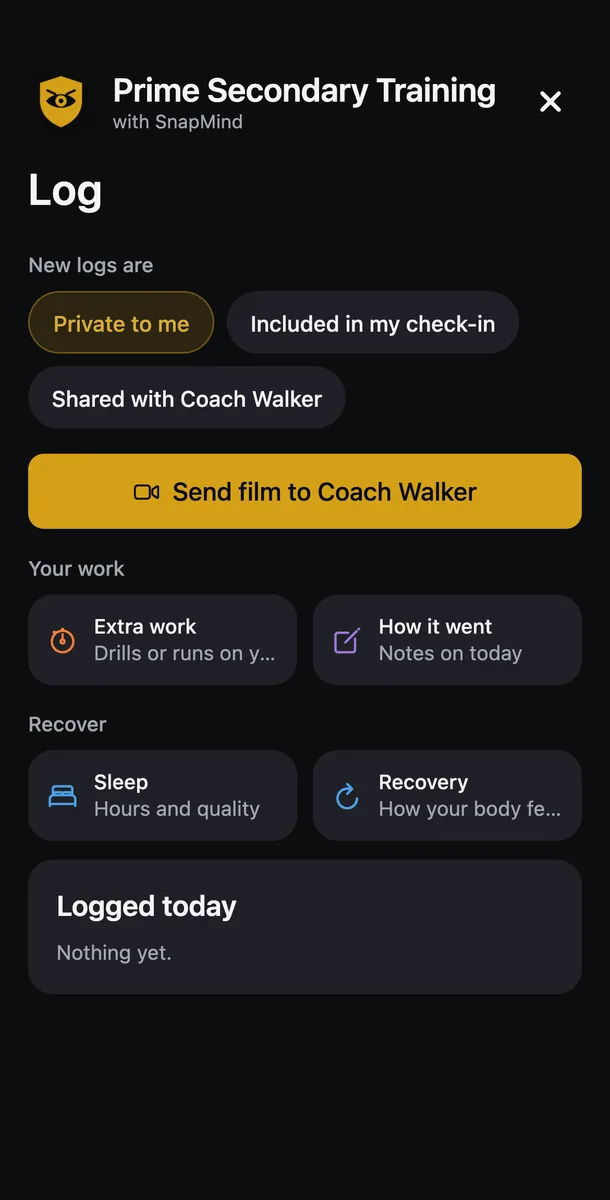
Log your day in a few taps.
Log extra work, how a session went, your sleep and your recovery, and your coach uses what you logged to plan your next week.
Pricing
Start free.
Free
$0Your weekly plan, your log and history, and free programs.
Download free →Pro
$14.99 a month or $99 a yearEverything in Free, plus premium programs from your trainer, challenges and plan tools.
Download the app →From your trainer
Priced by your trainerEverything in Pro, plus private messages with your trainer.
Find a trainer →